 Version
2.32.03.17
Version
2.32.03.17
 Package Name
com.tomato.pasbayan
Package Name
com.tomato.pasbayan
 Category
Card Strategy
Category
Card Strategy
 Size
30.18MB
Size
30.18MB
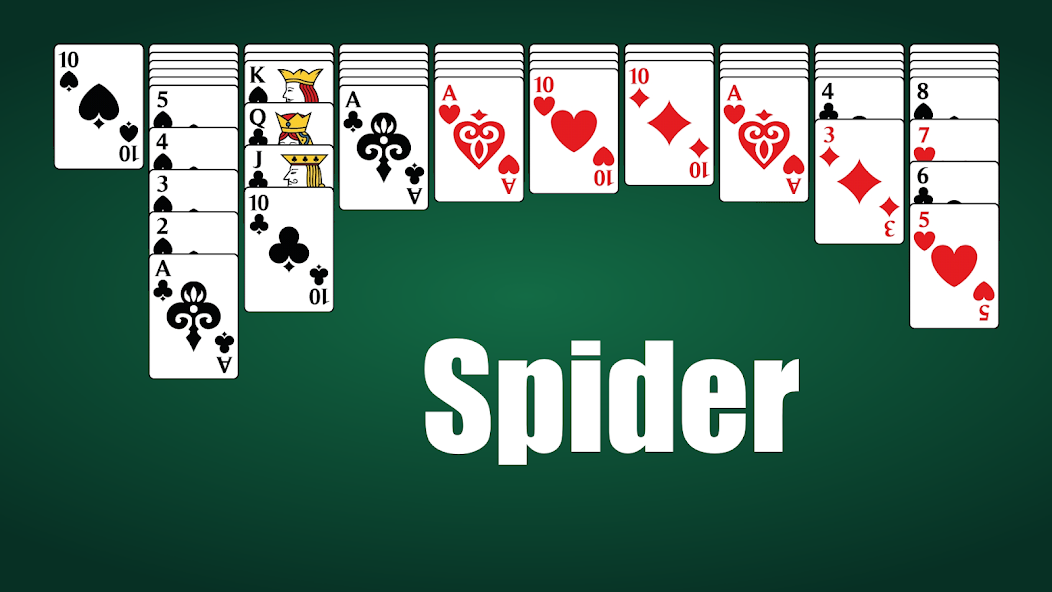
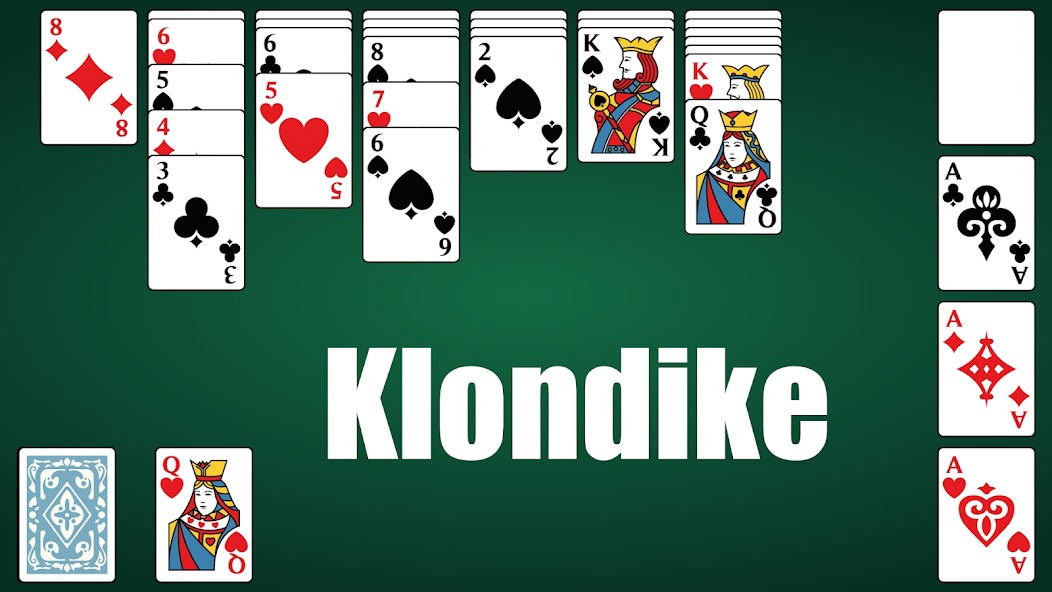
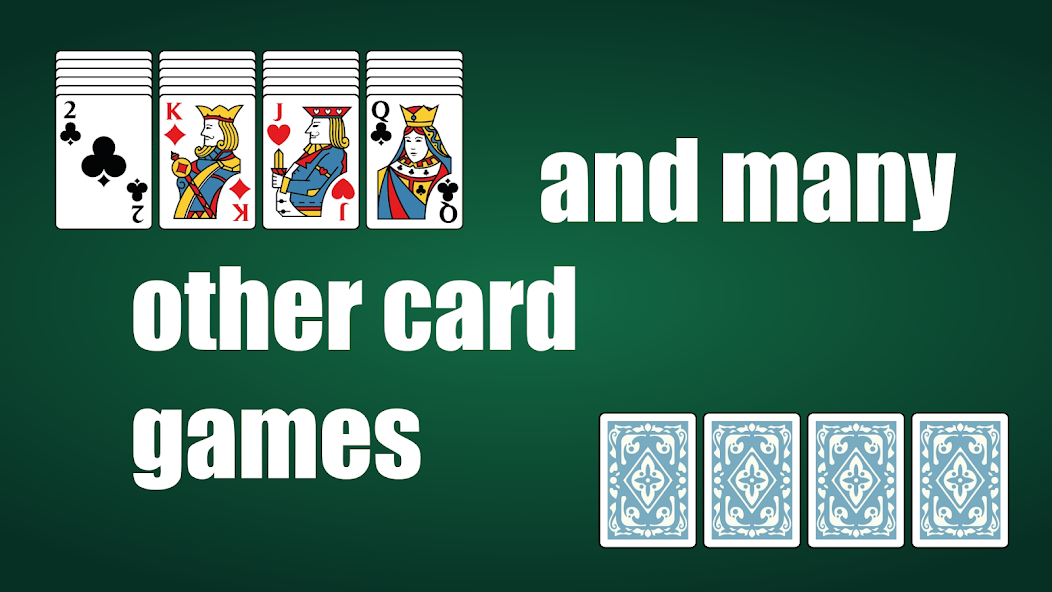
Solitaire card games: Canfield, Yukon, Freecell, Tripeaks, Algerian, Vegas
140 card games. All solitaire games in one pack. Try this solitaire card games.
♣ A large set of card games without Internet. All solitaire games in English
♣ We have card games that you may not see in every collection: Carpet, Monte Carlo, Yukon, FreeCell, Australian Solitaire, Algerian Solitaire, Alternation, Desire, Scorpio, Forty Thieves
♣ We also have the familiar and beloved solitaire games: Klondike, Spider, Pyramid, Three Peaks, Canfield
♣ And many more games. We have more than 140 pieces of them in one collection
Game features:
♠ Over 140 solitaire games. In each update, 3-4 new solitaire games are added
♠ Simple and intuitive interface. The interface is optimized for different screens.
♠ Vertical and horizontal screen orientation. You will find it more comfortable to play some games in horizontal orientation and other games in vertical orientation. Try it yourself!
♠ Layout for right and left hands. Customize this option in the menu as you wish
♠ Different decks. Choose the deck that you like. There is also a selection of card backs and backgrounds
♠ Detailed rules. All the rules are briefly and clearly described for each solitaire game. There is a video instruction for many solitaire games
♠ Detailed statistics. After the game, you get detailed results: percentage of wins, number of moves and hints, time spent, overall rating. Old records are also visible, so you can try to break them!
♠ Autocompletion. To save you time, the game will be completed automatically with animation when all moves are already known
♠ Saving history of moves. You can continue the game at any time
♠ Unlimited cancellations. All your moves are saved, you can undo them as many times as you like. You can also replay the game from the beginning with an old deck
♠ Games search. You can easily find solitaire game by name
Control:
♠ Cards are moved by clicking, not dragging. To move a map, click on it (it will highlight), then click on the location where you want to move it
♠ To invoke a hint, just swipe left on the screen or press the button in the top menu
♠ To undo a move, swipe right or press the button in the top menu
♠ To show the top bar with buttons, swipe down ANYWHERE on the screen
Enjoy your game!



 Download APK(30.18MB)